

Creating components from Figma
Creating components from Figma

This guide provides step-by-step instructions for importing Figma designs into Kajoo and creating components. Follow the steps carefully to ensure smooth integration and optimal results.
Go to www.figma.com
1. Install the Kajoo Plugin
- Login to your Figma account
- Install the Kajoo Figma plugin Kajoo AI - Design to Code - Figma. You’re now ready to use the plugin!
2. Export Designs from Figma
- Open Your Design
- Navigate to your Figma project containing the design you wish to export.
- Select the desired frame(s).
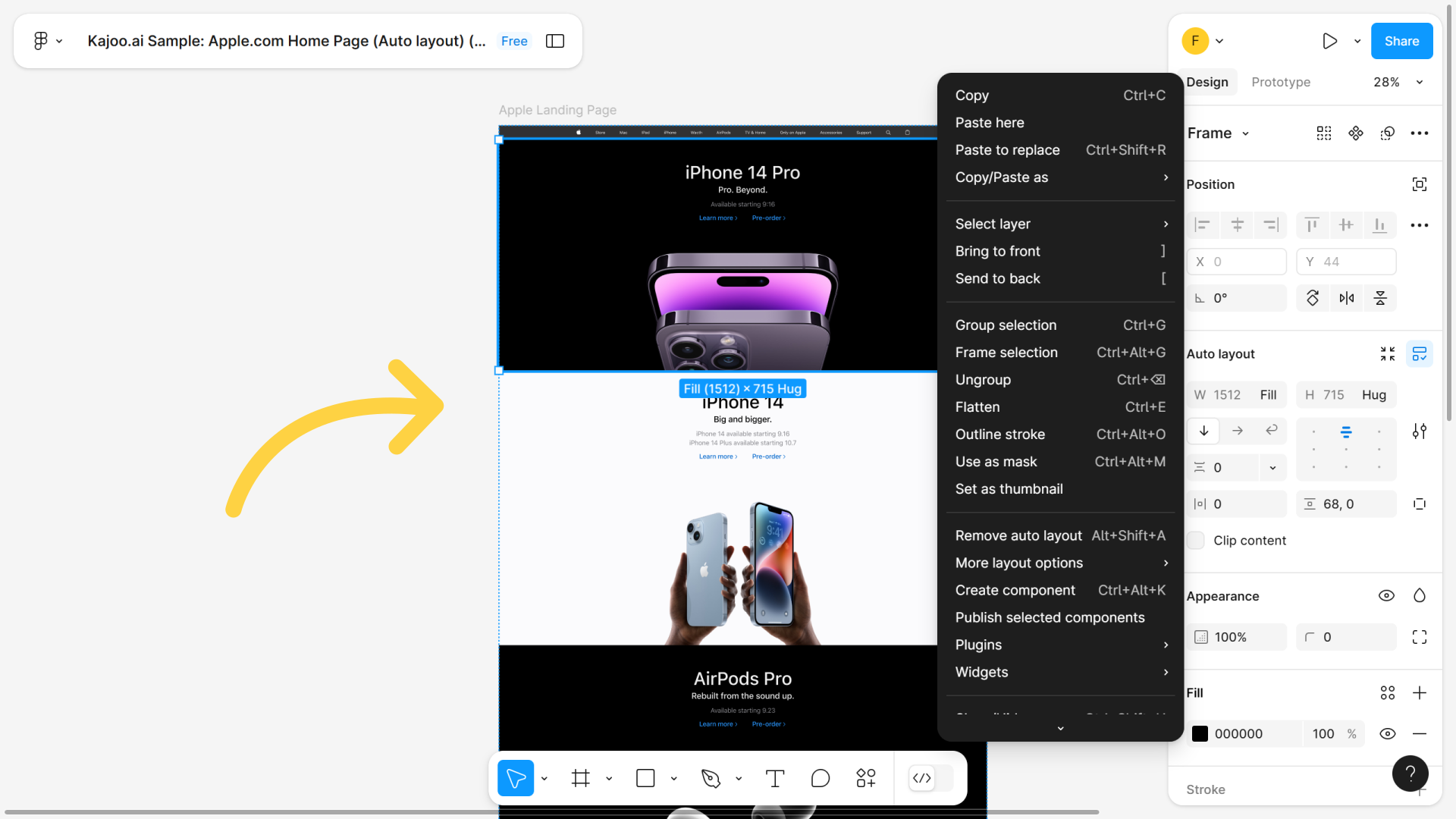
3. Use the Kajoo Plugin
Right-click on the selected frame(s) and open the Kajoo plugin.
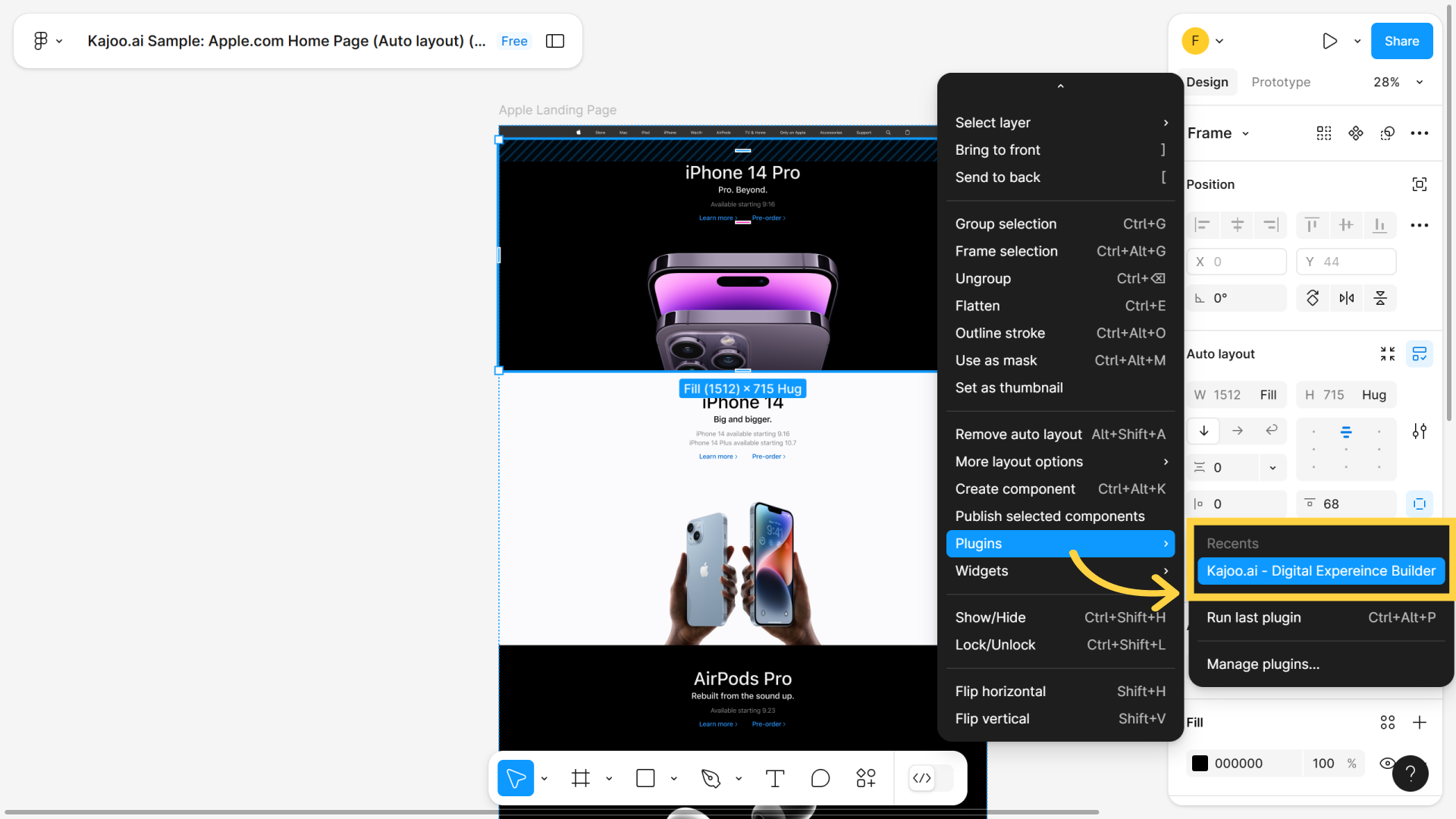
3. Copy Layers
- Click the 'Copy Layers to Clipboard' button to copy your design.
- Your elements will be successfully copied.
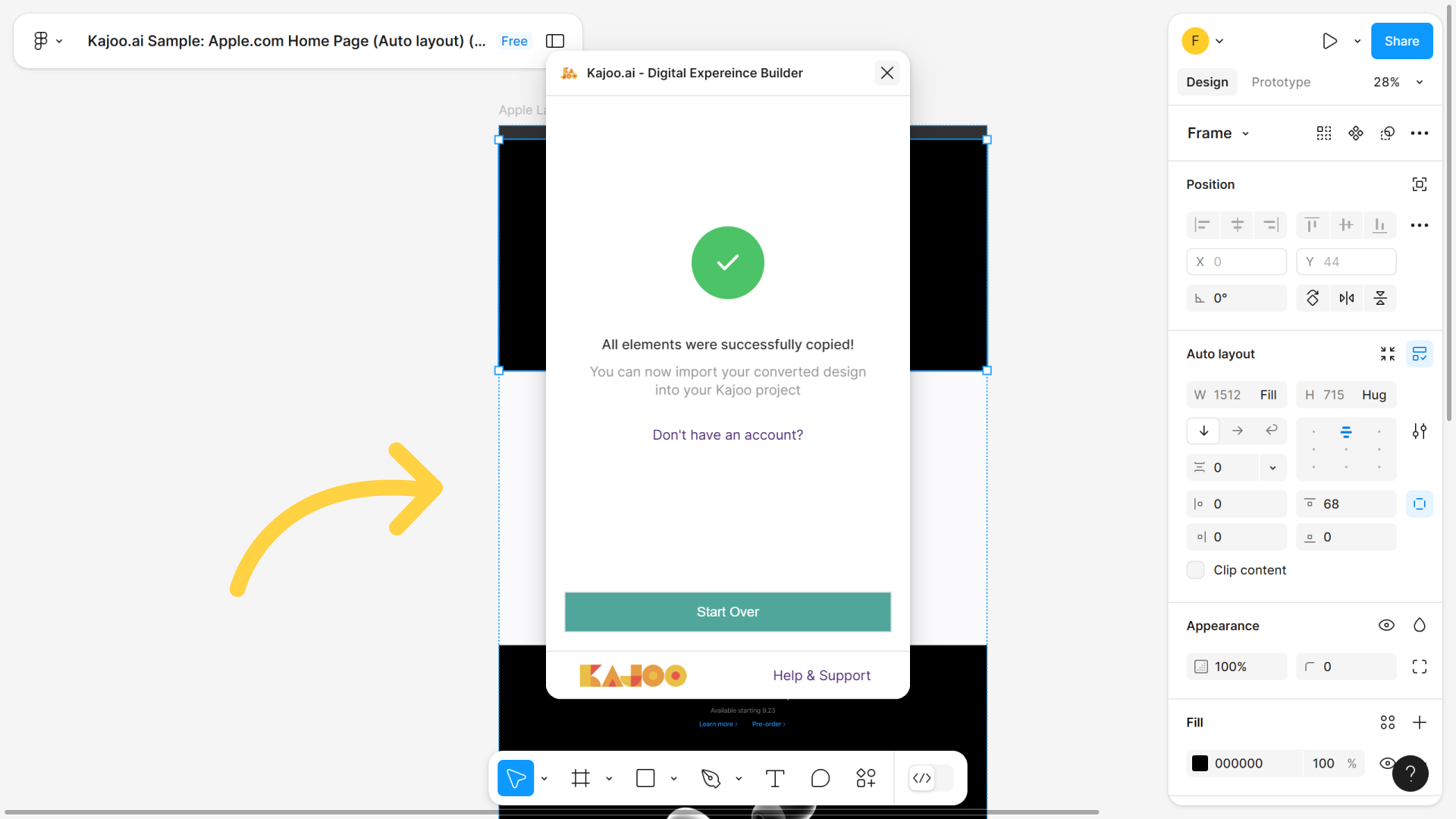
4. Import Designs into Kajoo
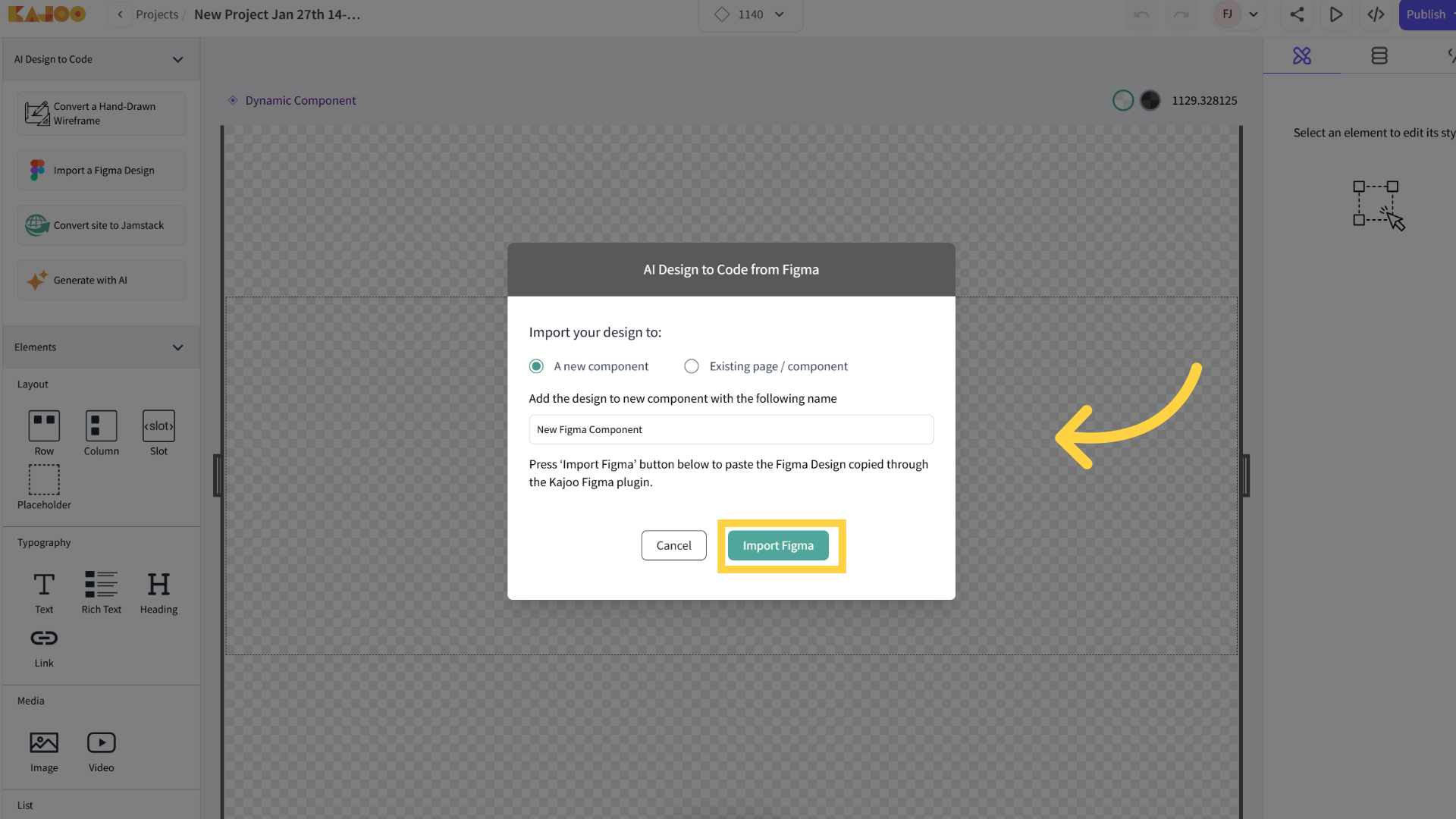
- Go to your Kajoo project and select 'Import a Figma Design'.
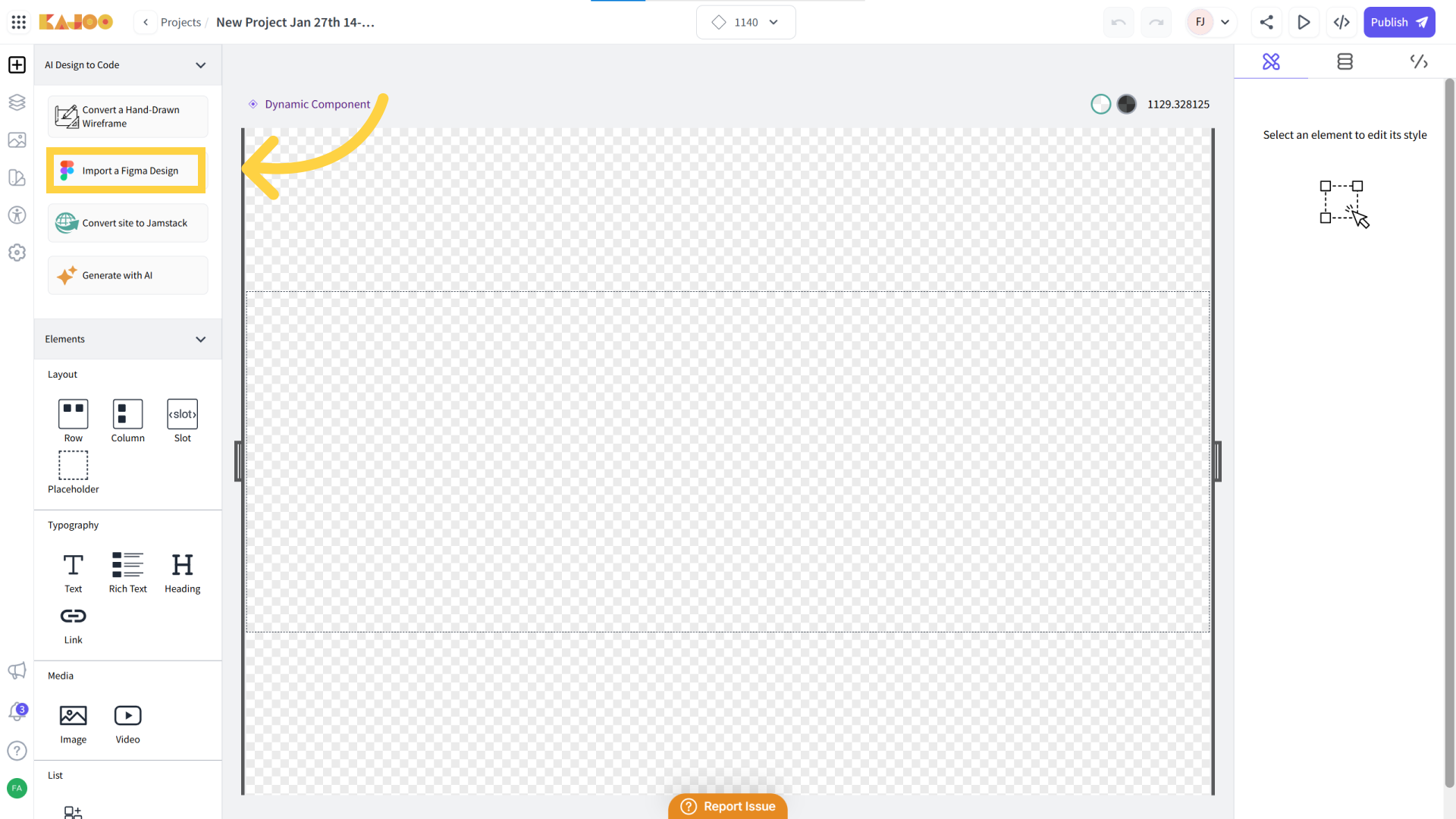
- You can import your figma design to a new component or an existing page / component. Select the required option and click on 'Import Figma'.
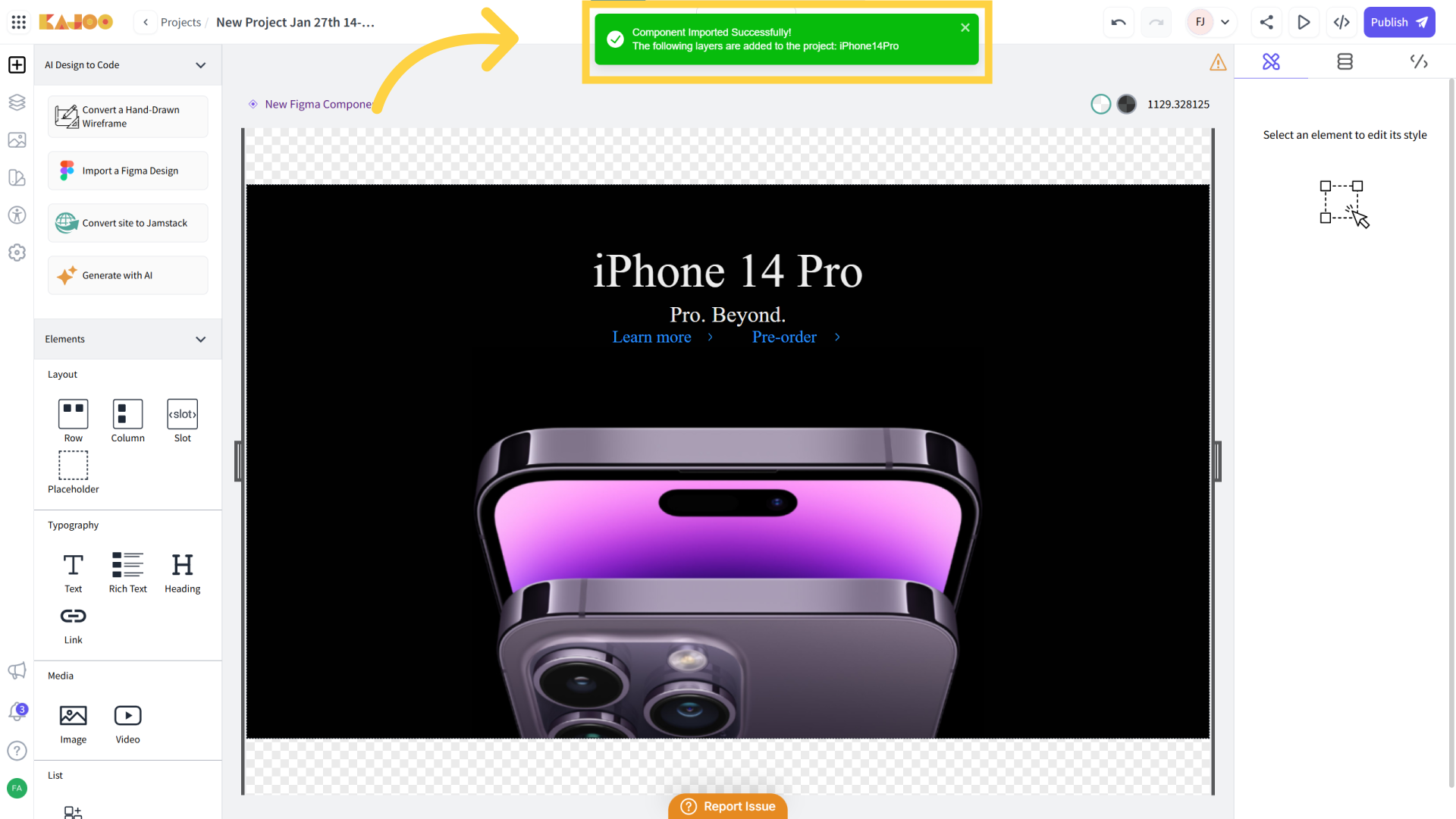
5. Import successful
Your component will be imported successfully.
Go the next article to learn about Figma recommendations and best practices.
Updated 4 months ago
What’s Next
Did this page help you?